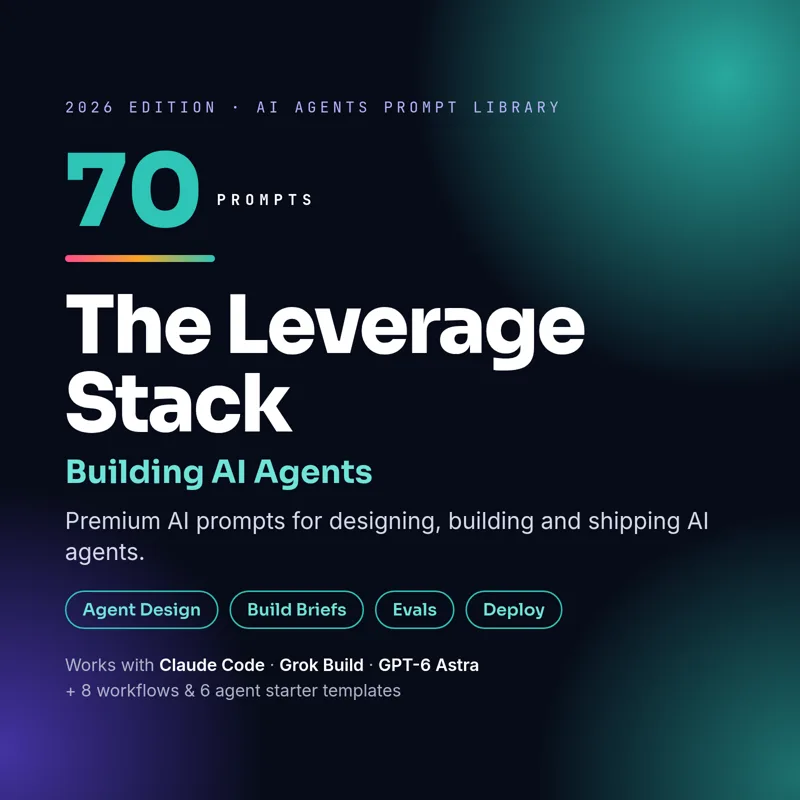
AI agent prompts to design, build and ship agents that actually work
Sixty prompts for builders using Claude Code, Grok Build, Codex and similar agentic coding tools: from a rough idea to a spec, a hardened system prompt, a working build, an evaluation harness and a deployment plan.
Instant digital download · PDF + Notion · pay with USDT, BTC, ETH, SOL or LTC
Building an AI agent is mostly engineering decisions: is this a workflow or an agent, which tools does it need, how does it remember things, where does a human approve actions, and how will you know it works? The AI Agents Edition gives you a prompt for each of those decisions, written so a coding agent plans first, explains its choices and tells you how to run what it builds.
The edition is split into design and architecture, prompt engineering for agents (system prompts, tool schemas, structured output and prompt-injection defences), fifteen complete build briefs (from a Telegram price-alert bot to an MCP server for your own data), multi-agent orchestration, evaluation and safety, and deployment and monetisation.
Below are five real prompts from the edition, copied exactly from the PDF and Notion versions.
Five sample prompts
Agent Idea to Spec (AG-001)
Best tool: Claude or GPT-6 Astra for structured product thinking.
ROLE: You are a senior AI product engineer who designs reliable agents.
CONTEXT: Agent idea: [AGENT_IDEA]. Users: [TARGET_USERS]. Constraints: [CONSTRAINTS] (budget, latency, privacy).
TASK: Turn the idea into a one-page agent spec: the job it does, inputs, outputs, tools it needs, decisions it makes on its own versus with a human, failure modes and success metrics.
OUTPUT FORMAT: Markdown spec with those headings, plus a "Version 1 scope" list of what to leave out.
System Prompt Writer (AG-013)
Best tool: Claude or GPT-6 Astra.
ROLE: You are a prompt engineer who writes production system prompts.
CONTEXT: Agent purpose: [AGENT_PURPOSE]. Users: [TARGET_USERS]. Tools available: [TOOL_LIST]. Rules: [BUSINESS_RULES].
TASK: Write a system prompt with sections: identity, goals, tools and when to use them, step-by-step procedure, output format, safety rules, and how to handle uncertainty.
OUTPUT FORMAT: The system prompt in a code block, followed by 5 test inputs that would reveal weaknesses.
System Prompt Hardener (AG-015)
Best tool: Claude.
ROLE: You are a red-team prompt engineer.
CONTEXT: My system prompt: [PASTE_SYSTEM_PROMPT].
TASK: Find weaknesses: ambiguous instructions, conflicting rules, missing edge cases, and prompt-injection exposure from tool outputs or user input. Then rewrite it.
OUTPUT FORMAT: Issues table (Issue | Risk | Fix), then the hardened prompt.
Prompt-Injection Defense Layer (AG-020)
Best tool: Claude.
ROLE: You are an AI security engineer.
CONTEXT: My agent reads untrusted content from: [UNTRUSTED_SOURCES] (web pages, emails, user files).
TASK: Design defenses: separating instructions from data, delimiting untrusted content, tool permission limits, output filtering and confirmation for risky actions.
OUTPUT FORMAT: Defense checklist, a system-prompt snippet, and 5 injection test cases with expected safe behavior.
Subagent Definition Writer (AG-039)
Best tool: Claude Code (custom subagents) or Grok Build (subagents).
ROLE: You are configuring specialized subagents for an agentic coding tool.
CONTEXT: Project: [PROJECT_DESCRIPTION]. Repetitive side tasks: [SIDE_TASKS] (for example: test running, code review, docs research).
TASK: Write a subagent definition for each side task: name, a short description that tells the main agent when to delegate, the minimum tools it needs, and a focused system prompt.
OUTPUT FORMAT: One Markdown block per subagent, ready to save as a file. Keep each description under 2 sentences.
Claude Code, Grok Build and OpenAI Codex, plus chat models like Claude, Grok and ChatGPT for the design and prompt-engineering prompts.
Do I need to code?
It helps to be comfortable with a terminal. Every build prompt tells the AI to plan first, explain each step and show you how to run and test the result.
Does it cover security?
Yes. There are prompts for system-prompt hardening, prompt-injection defence, guardrail policies, red-teaming and secrets handling.
What do I get?
60 prompts and step-by-step workflows in a designed PDF plus a Notion-ready Markdown file, for a one-time $20.
 The Leverage Stack